Easy
Exchange
Some events offer “Easy Exchange”, giving ticket buyers a one-time change of tickets (upgrades, different dates or times, etc.)
How do I exchange my ticket?
Easy! Follow these steps:
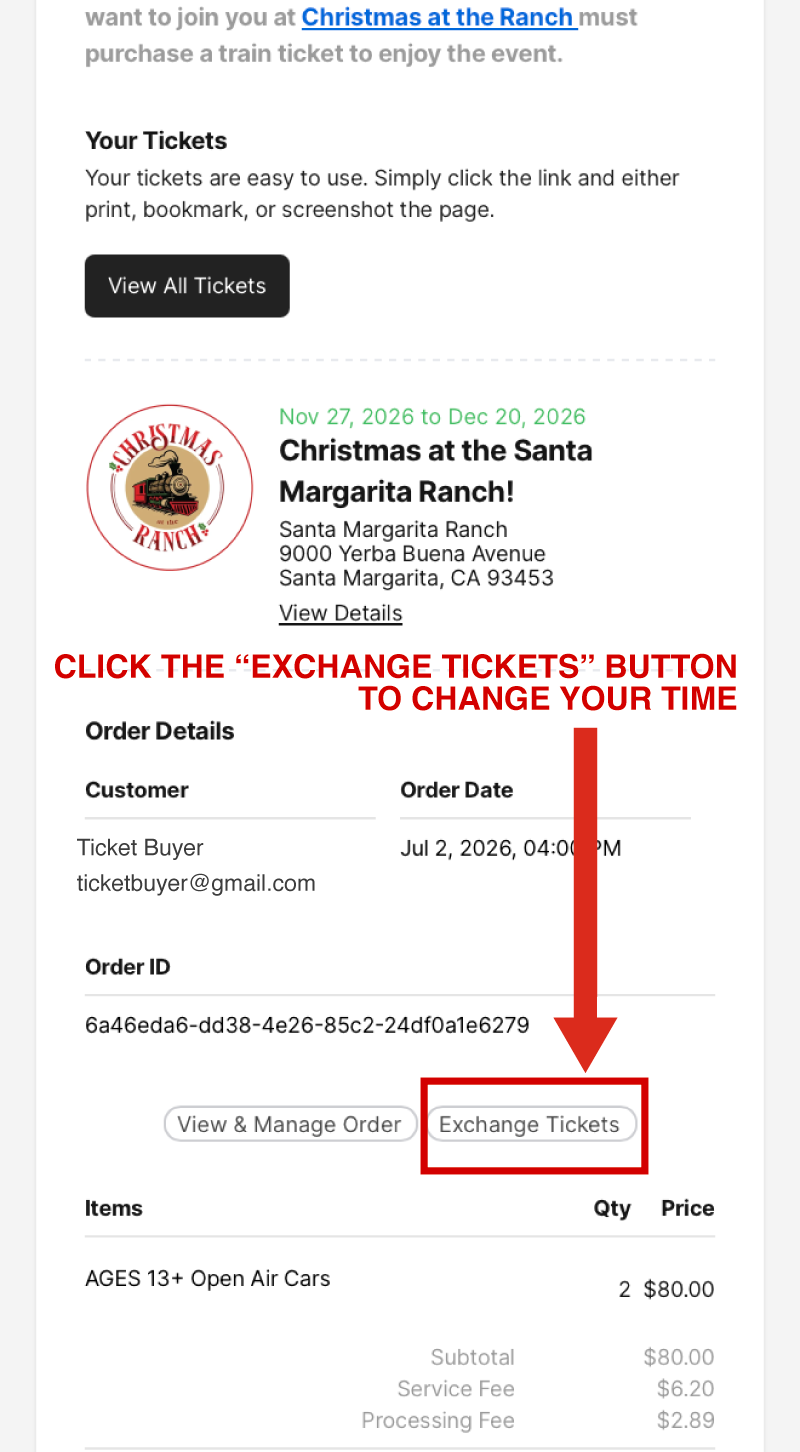
Step 1: Find your confirmation email from My805Tix:

Step 2: Open your confirmation email and click on the “Exchange Tickets” button.
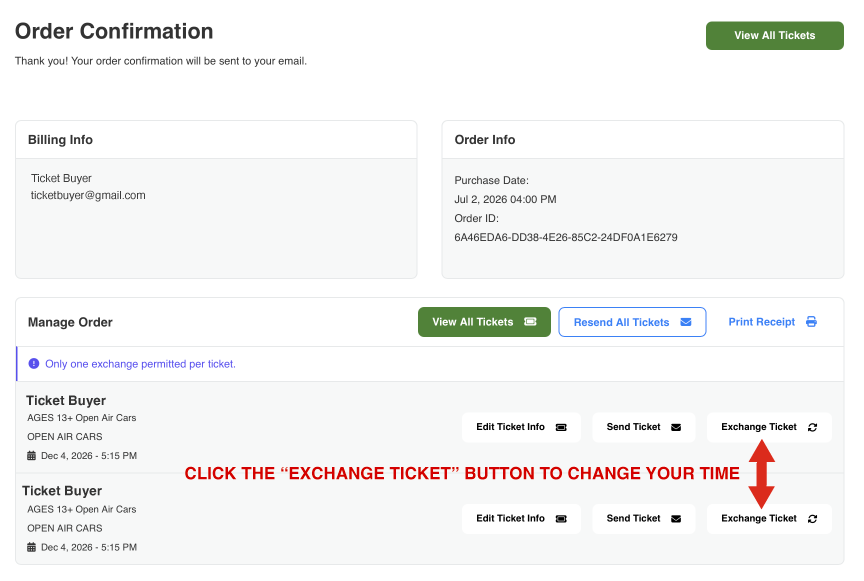
Step 3: This opens your order confirmation page. Select which ticket you’d like to exchange. NOTE: Only one exchange per ticket is allowed.
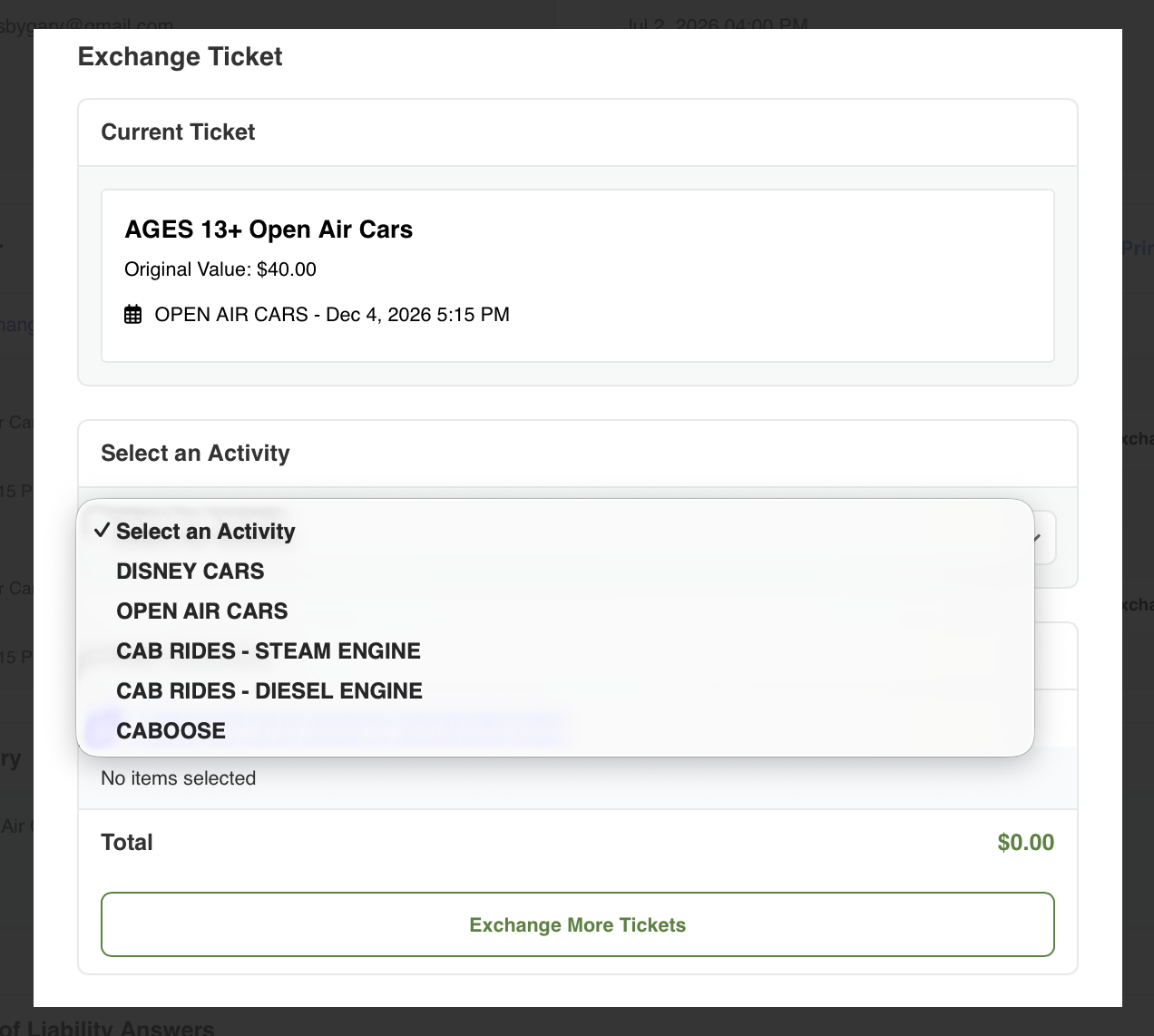
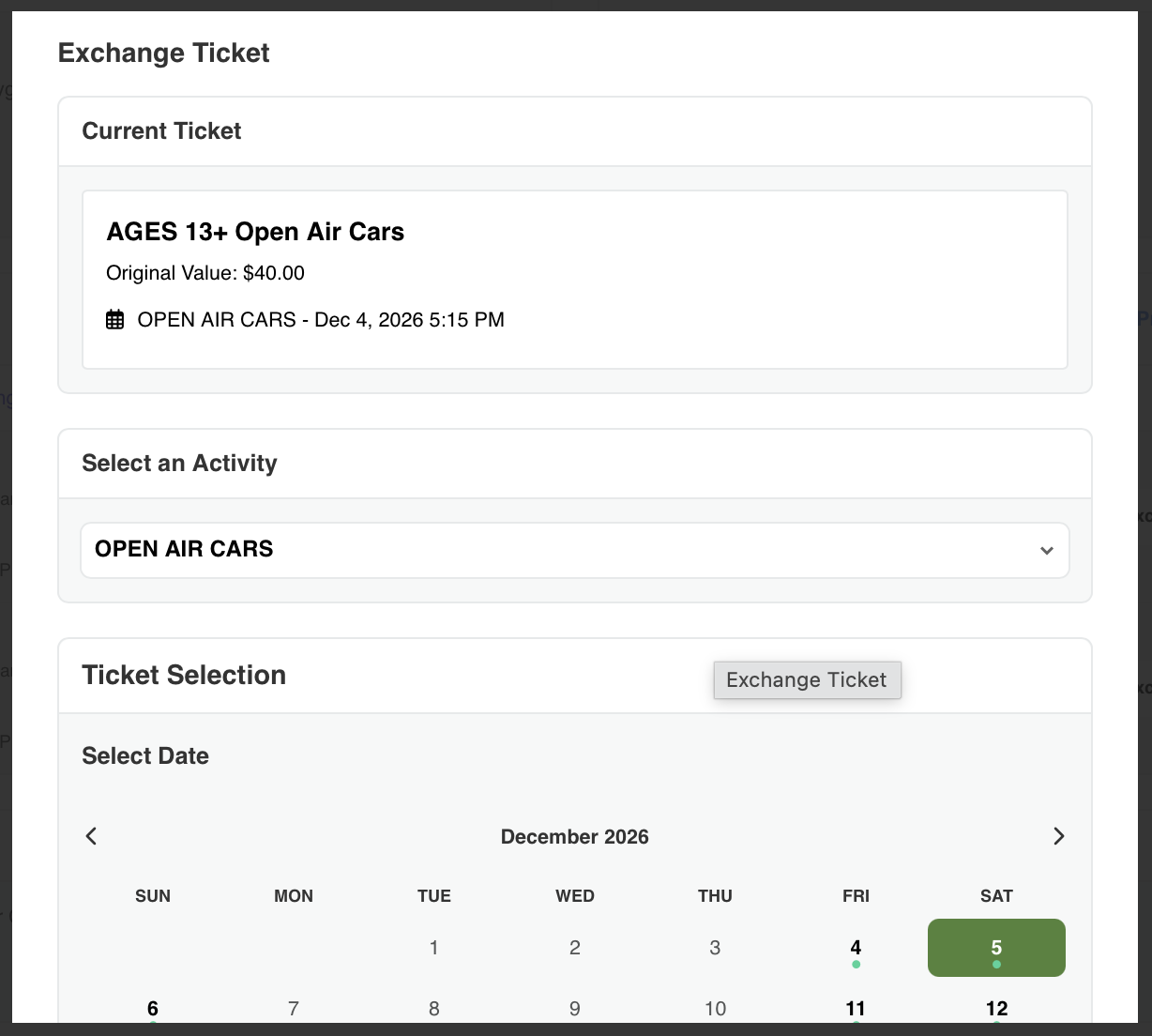
Step 4: Choose your new type of ticket:
Step 5: Choose your new date & time:
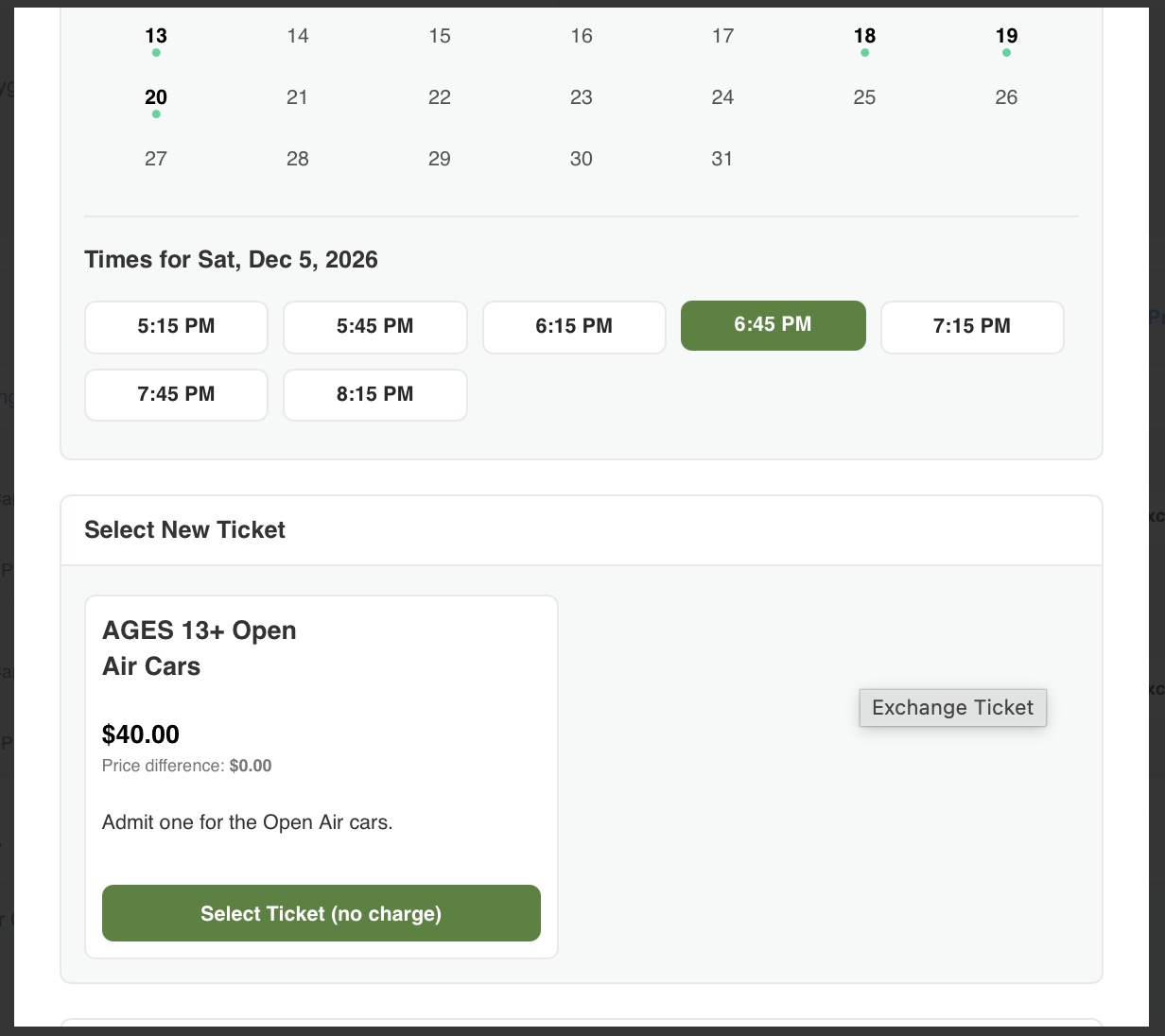
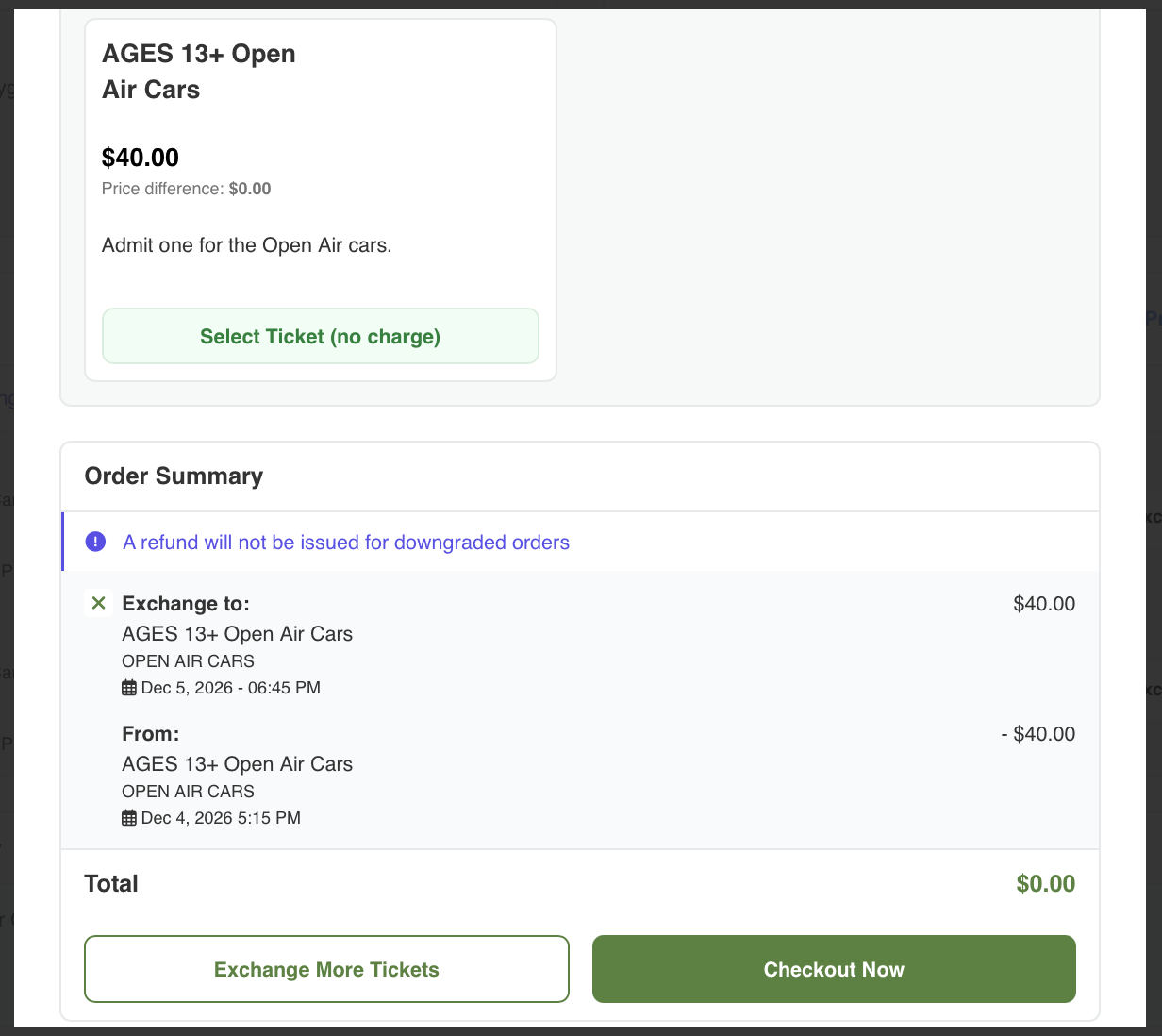
Step 6: Select your new ticket and either check out or exchange more tickets on your order. EASY!